MediaPlatform

Enterprise BroadcastingPlatform

Designing a real-time production system for high-stakes global communication.

ROLE

Lead UX/UI Designer

SCOPE

Product UX strategy, interaction design, workflow modeling, usability validation

PLATFORM

Enterprise webcasting platform (React, WebRTC, cloud streaming infrastructure)

KEY OUTCOME

80% faster event setup, 40–60% higher audience engagement, and 60% fewer live-event support tickets

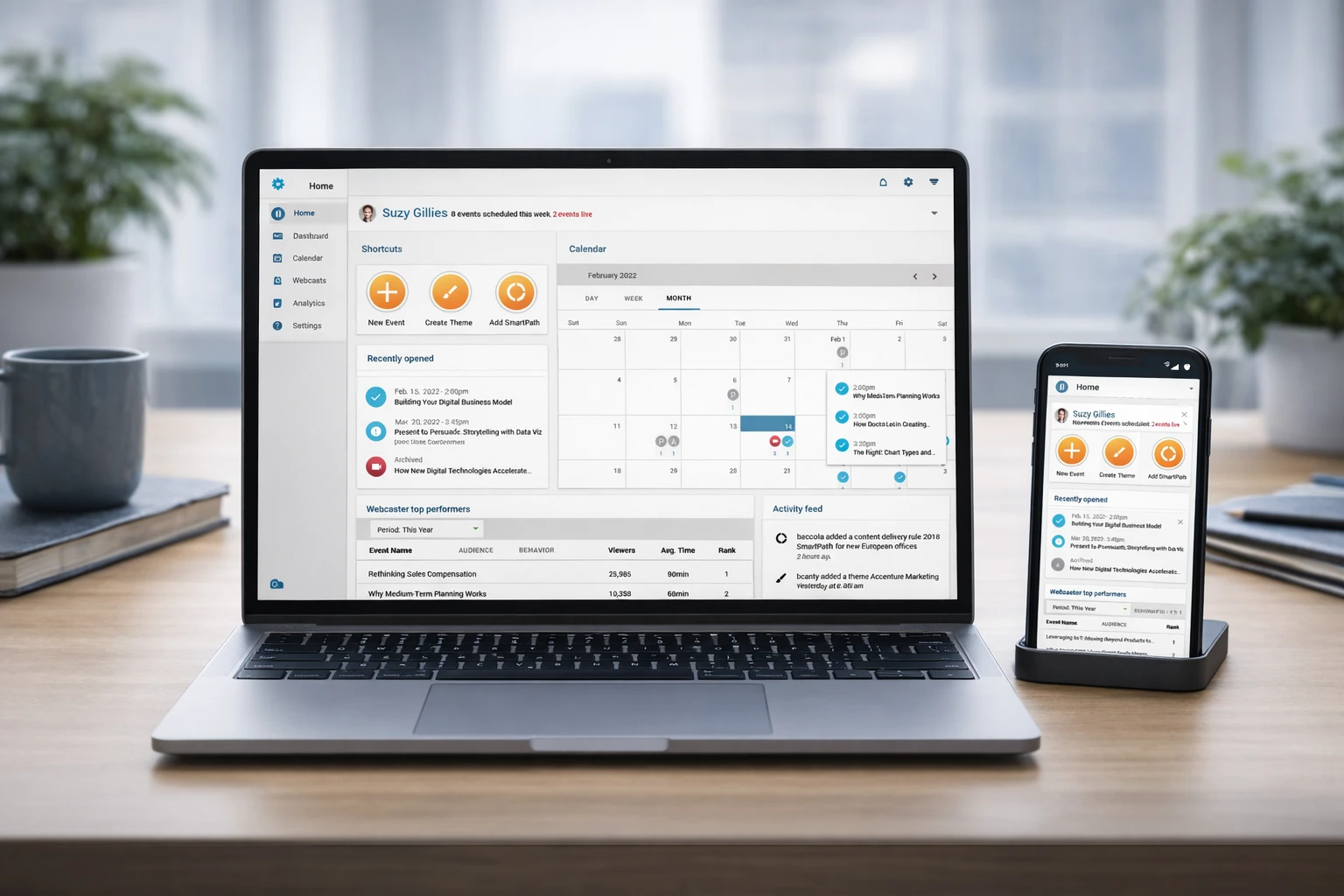
Broadcast production dashboard across presenter and operator views

High-stakes enterprise broadcasts such as CEO town halls and investor presentations require precision, coordination, and reliability under pressure. MediaPlatform's legacy system was technically capable but operationally fragile, optimized for expert users and difficult to manage during live events.

Producers navigated complex setup flows, adjusted layouts manually in real time, and coordinated across fragmented tools. This introduced friction, increased cognitive load, and created unnecessary risk during critical moments.

Over the course of the engagement, I led the end-to-end UX transformation of the platform, restructuring the product into a modular, role-based system designed for speed, clarity, and real-time control. The result was a more resilient production environment that reduced setup time, improved operator confidence, and enabled teams to run high-quality broadcasts with reduced coordination overhead.

Executive Summary

The Business Problem & The User Problem
MediaPlatform lacked a scalable, user-friendly system for managing enterprise webcasts. The platform required deep technical knowledge, relied on manual configuration, and required teams to coordinate across fragmented workflows. During live events, these limitations increased stress, slowed execution, and introduced avoidable risk.
The Strategic Solution
I redesigned the platform as a modular, role-based production system aligned with real-world broadcasting workflows. The solution reduced setup friction, introduced preconfigured scenes, enabled real-time control, and integrated audience engagement directly into the experience.
My Role & Leadership Scope
I led UX strategy, interaction design, and workflow modeling across the full product lifecycle. I conducted research across users and live production environments, designed scalable interaction patterns, and partnered closely with engineering and QA to deliver a production-ready system.
Impact
Across pilots and production releases, teams saw faster preparation, stronger live participation, and fewer in-event support escalations, reflected in the metrics below.
80%Faster event setup
40–60%Increase in audience engagement
60%Reduction in support tickets during live events

Business Outcomes

SETUP EFFICIENCY
Multi-step to instant start

Minimal inputs required to initiate projects

Faster transition from setup to execution

PRODUCTION VELOCITY
Faster live production control

Reduced delay during scene switching and layout updates

Improved responsiveness during real-time workflows

PRODUCT ACCESS
Multi-device, role-based

Designed for desktop, tablet, and mobile workflows

Expanded usability across user types

Reduced dependency on engineering through self-service configuration
Enabled streamlined production workflows across roles
Improved consistency across event setup, execution, and analytics
Established a scalable system for enterprise broadcasting

System Transformation

From fragmented broadcast to a controlled, real-time production system

Before
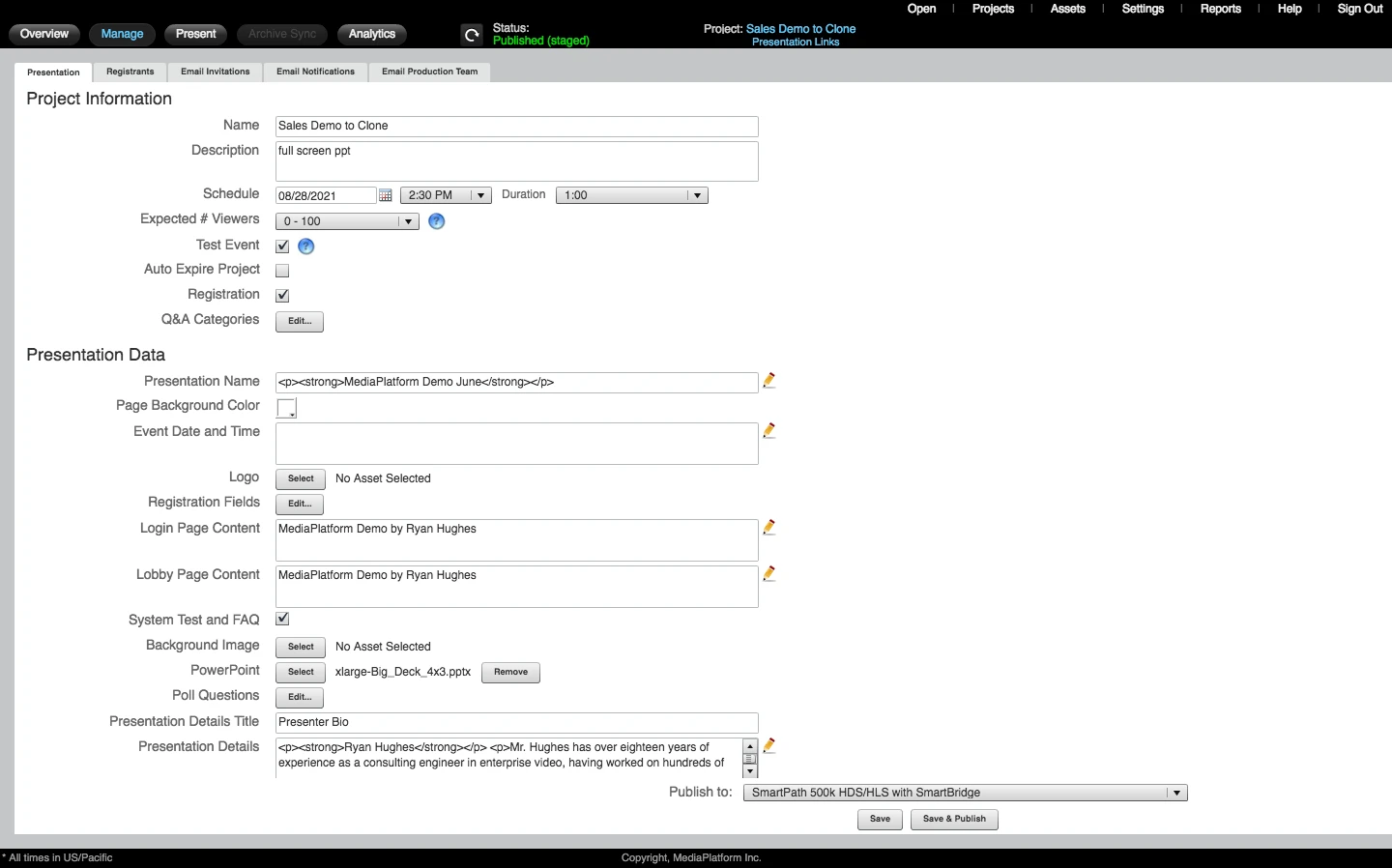
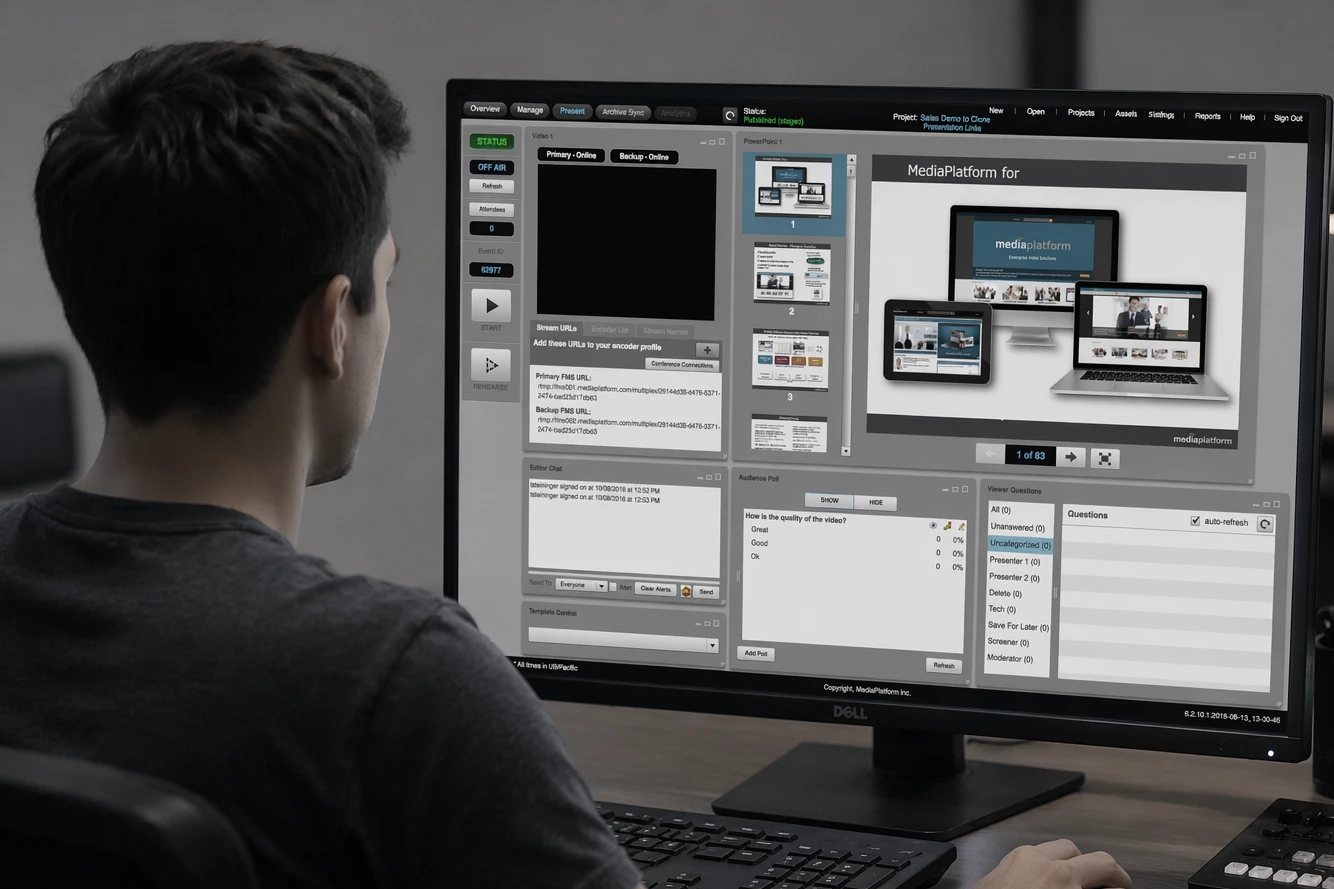
Legacy enterprise broadcast workflow across disconnected tools
Fragmented tools and manual coordination across workflows
Jargon-heavy onboarding and rigid setup requirements
Shared workspaces with competing controls and responsibilities
Manual layout adjustments during live events
Limited audience engagement and fragmented analytics
Branding and configuration required engineering support
After
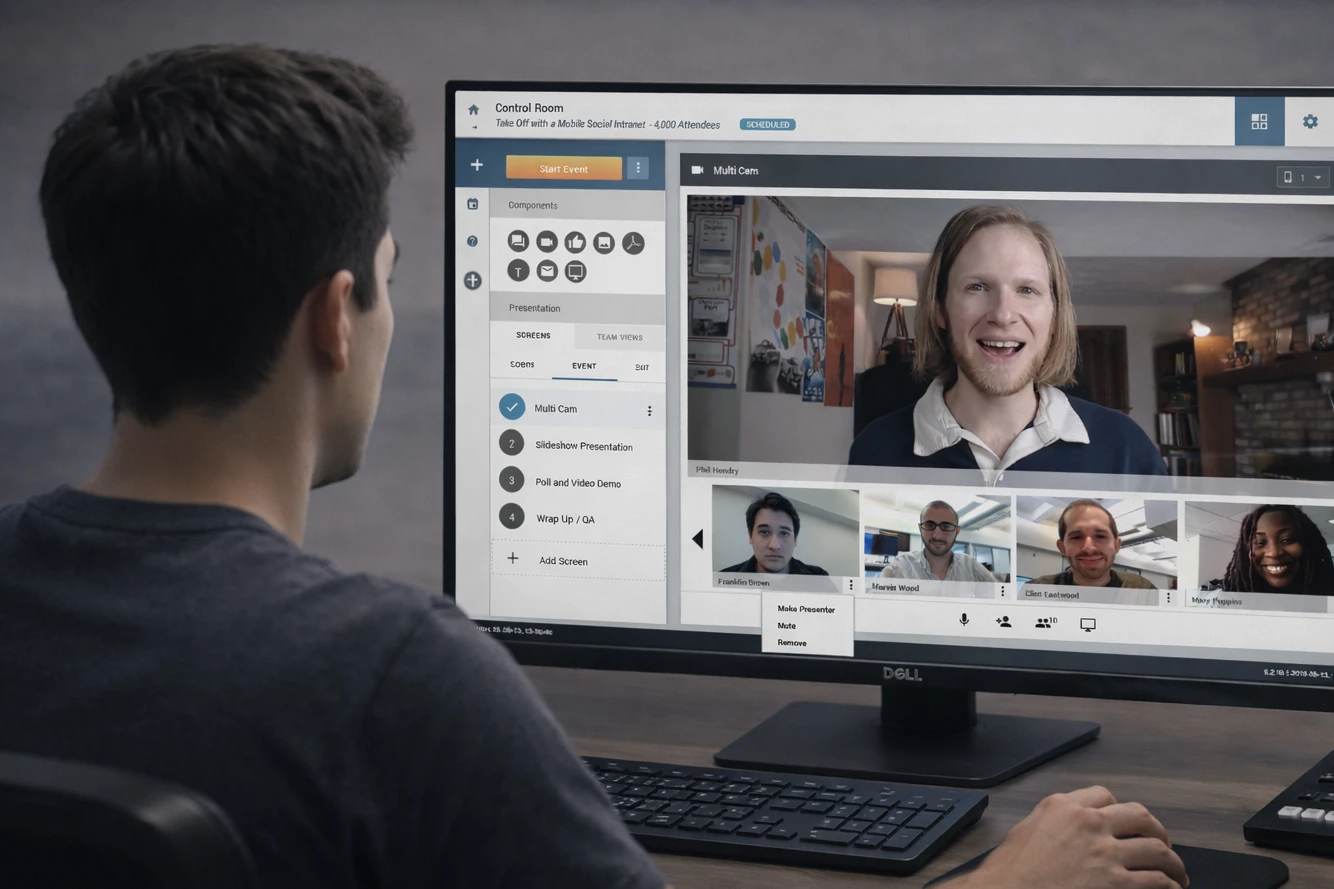
Unified production workspace with role-based live controls
Streamlined, role-based production workflows
Immediate access to the broadcast canvas with minimal setup
Personalized workspaces for producers, presenters, and administrators
Preconfigured scenes with one-click switching
Integrated engagement tools and narrative-driven analytics
Self-service branding and reusable templates

Structural Bottlenecks

Five critical breakdowns in the live broadcast workflow created inefficiency, increased stress, and introduced risk during high-stakes events.

01

Mandatory Setup Friction

Users encountered a multi-step event setup process with required inputs before accessing the production environment, delaying the start of production and increasing cognitive load upfront.

02

Producer Overload

Manual layout adjustments during live events created cognitive strain and increased the likelihood of errors under pressure.

03

Single Camera Limitation

The system lacked support for dynamic, multi-camera workflows, limiting production quality and flexibility.

04

Legacy Streaming Infrastructure

Outdated protocols created performance issues, compatibility challenges, and increased failure risk during large-scale broadcasts.

05

Disconnected Planning Tools

Event planning occurred outside the system, requiring spreadsheets and manual coordination without shared visibility.

Decision Framework & Constraints

The redesign operated within strict technical and operational constraints. Each decision was made with awareness of live production risk, system limitations, and enterprise expectations.

Early stakeholder sessions revealed a shift in product vision, requiring the platform to support both technical operators and non-technical presenters while balancing control with simplicity.

Operating Constraints

Live Broadcast Environment

Zero tolerance for failure during live events.

Mixed User Skill Levels

Technical producers and non-technical presenters required different levels of control.

Legacy Infrastructure Dependencies

Existing video protocols and system architecture limited implementation flexibility.

High Presentation Standards

Broadcasts required polished, brand-aligned output.

Enterprise Delivery Timelines

Solutions needed to ship within tight production schedules.
Key Design Decisions

1

Prioritize Speed Over Configuration Depth

Problem: Users were required to configure too many parameters before accessing the production environment, creating friction and delaying setup.

Decision: Reduce upfront configuration and enable immediate access to the broadcast canvas with quick-start defaults and progressive refinement.

Impact: Accelerated event setup and reduced friction, allowing teams to move quickly from planning to execution.

2

Separate Roles Instead of Sharing Interfaces

Problem: A single shared interface forced different user types to navigate irrelevant controls, increasing cognitive load and operational confusion.

Decision: Introduce role-based workspaces tailored to producers, presenters, and administrators.

Impact: Improved clarity, reduced cognitive overhead, and enabled each role to operate more efficiently within their context.

3

Design for Live Pressure, Not Ideal Conditions

Problem: Manual layout adjustments and complex controls created risk and hesitation during live broadcasts.

Decision: Replace manual configuration with preconfigured scenes and one-click switching to support fast, confident decision-making.

Impact: Reduced operator stress and improved reliability during high-stakes live events.

4

Shift from System-Centric to User-Centric Mental Models

Problem: The interface relied on technical terminology and system-oriented structures that did not match how users think about broadcasting workflows.

Decision: Reframe the UI around real-world production concepts and simplify language to align with user expectations.

Impact: Improved learnability, reduced onboarding time, and increased overall usability.

5

Enable Self-Service Over Dependency on Engineering

Problem: Branding, layout changes, and configuration updates required engineering support, creating bottlenecks and slowing iteration.

Decision: Introduce self-service tools for branding, templating, and layout customization.

Impact: Reduced reliance on engineering and enabled teams to operate more independently and efficiently.

Tradeoffs & Rationale

Speed vs. Control

Live broadcast environments demand immediate responsiveness, but too much flexibility in controls can slow operators under pressure.

Prioritize rapid, one-click actions through preconfigured scenes while preserving deeper controls for advanced users when needed.

Flexibility vs. Simplicity

Supporting diverse use cases across enterprise broadcasts introduces complexity that can overwhelm non-technical users.

Reduce cognitive load through role-based interfaces and constrained workflows while maintaining modular components for extensibility.

Reliability vs. Feature Depth

Adding advanced capabilities can introduce instability in live environments where failure is not an option.

Favor stable, predictable interactions and proven patterns to ensure consistent performance during high-stakes events.

Detailed Process

I redesigned the platform to support real-world production workflows, focusing on reducing friction, improving coordination, and enabling confident decision-making under pressure.

What I Learned

Live production is where interface decisions become operational risk. This project reinforced that speed is earned by reducing hesitation: clearer defaults, stronger preview and timing confidence, and scene-based control so operators could execute without rebuilding layouts mid-event.

Role separation mattered as much as any single interaction pattern. Producers, presenters, and administrators each needed different guardrails, and the product had to keep engagement and analytics legible enough to use after the broadcast, not only while it was live.

Engineering dependency was a hidden tax on iteration. Self-service configuration, reusable templates, and a modular architecture helped the organization sustain measured gains (including faster setup, materially higher engagement, and fewer live-event support tickets) without reopening the same bottlenecks for every event.